
1 / 9
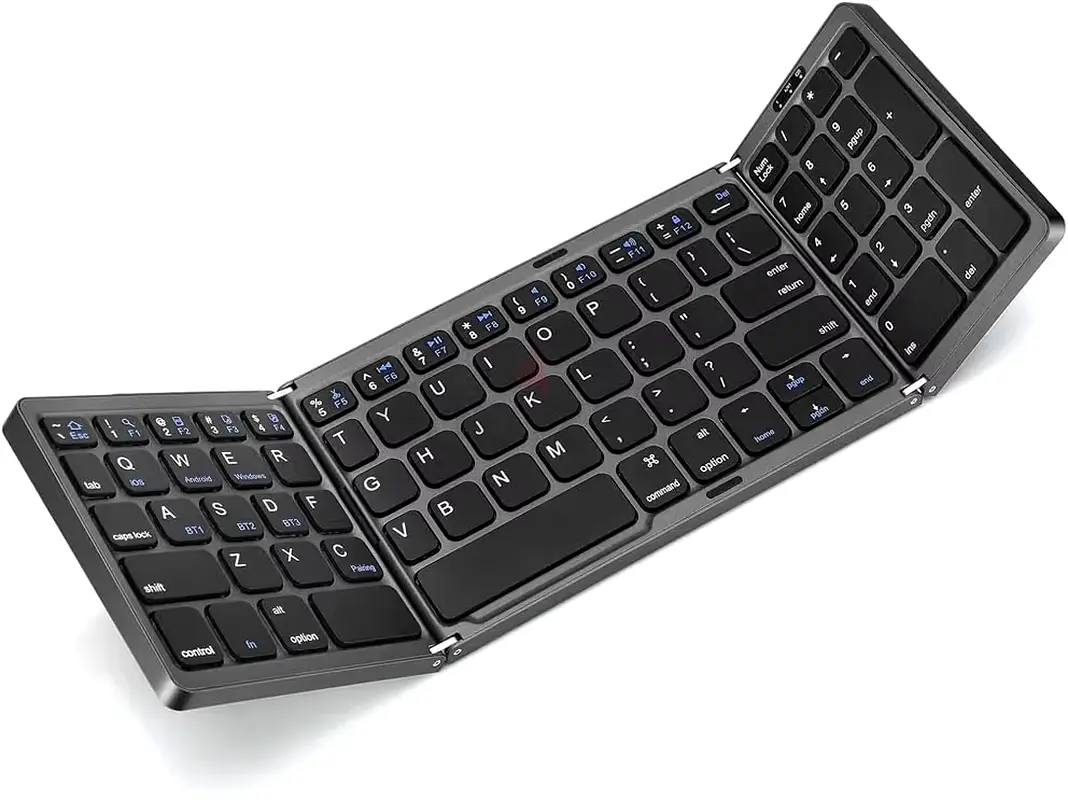
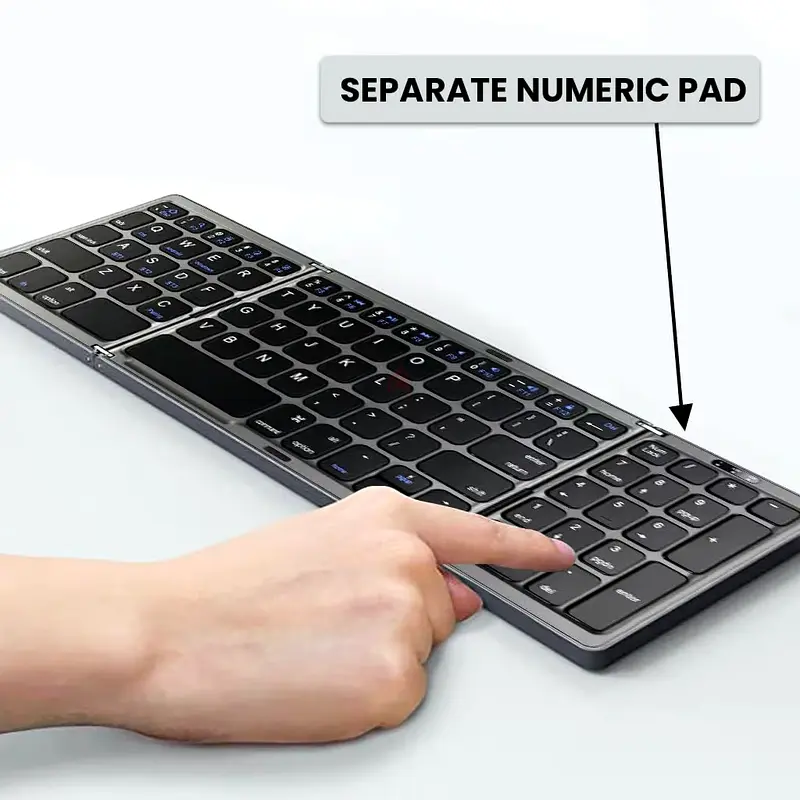
Foldable Wireless Keyboard
AED 150
Item Details
Age
Brand New
Condition
Perfect inside and out
Model name
Keyboard
Usage
Still in original packaging
Warranty
Does not apply
Posted on: 12th April 2026
Description
Step 1: Turn on the button| Step 2: Press Fn + C| Step 3: Turn on the Bluetooth (Flashing when pairing status) | Step 4: Select ‘Refresh’ from the settings bar. Your keyboard will show in the ‘Available Devices section. | Step 5: Select the keyboard and press Pair or hit enter. You are now connected! | Make sure the power is turned on. | Ensure keyboard operable distance. | Make sure the battery has power. | Ensure the device’s Bluetooth is turned on. | Ensure the wireless keyboard is connected to Bluetooth. | Ensure the wireless keyboard is paired successfully
Location
Al Khan, Sharjah, UAE

- Accounting / Finance
- Automobile
- Beauty / Salon
- Cleaner / Housekeeper
- Construction
- Cook / Chef
- Customer Service / Call Centre
- Data Management & Analysis
- Design
- Driver / Delivery
- Education
- Engineering
- Event Management & Operations
- Handyman / Technician
- HR / Admin
- Information Technology
- Legal Services
- Logistics & Distribution
- Manufacturing / Warehouse
- Marine Captain / Crew
- Marketing / Advertising
- Media, Art & Entertainment
- Medical / Healthcare
- Real Estate
- Restaurant Operations
- Sales / Business Development
- Secretarial / Front Office
- Security / Guard
- Sports & Fitness
- Travel & Hospitality
- Others
- Jobs Wanted
- Electronics
- Computers & Networking
- Business & Industrial
- Home Appliances
- Sports Equipment
- Clothing & Accessories
- Cameras & Imaging
- Jewelry & Watches
- Pets
- Musical Instruments
- Gaming
- Baby Items
- Toys
- Tickets & Vouchers
- Collectibles
- Books
- Music
- Free Stuff
- Lost/Found
- DVDs & Movies
- Furniture, Home & Garden
- Mobile Phones & Tablets
العربية